Module kit
Every section you need to launch a B2B SaaS site
A complete library of pre-built sections designed for real B2B SaaS companies — heroes, feature grids, pricing, social proof, and more. Swap the copy, drop in your brand, and ship.
Heroes
6
Editorial hero — headline with case study
Extra-large headline centred at the top, with a case study teaser and supporting body copy side by side at the bottom. Use as the primary homepage hero when you have a strong customer story to lead with. Swap headline, both CTA labels, and the case study slug.

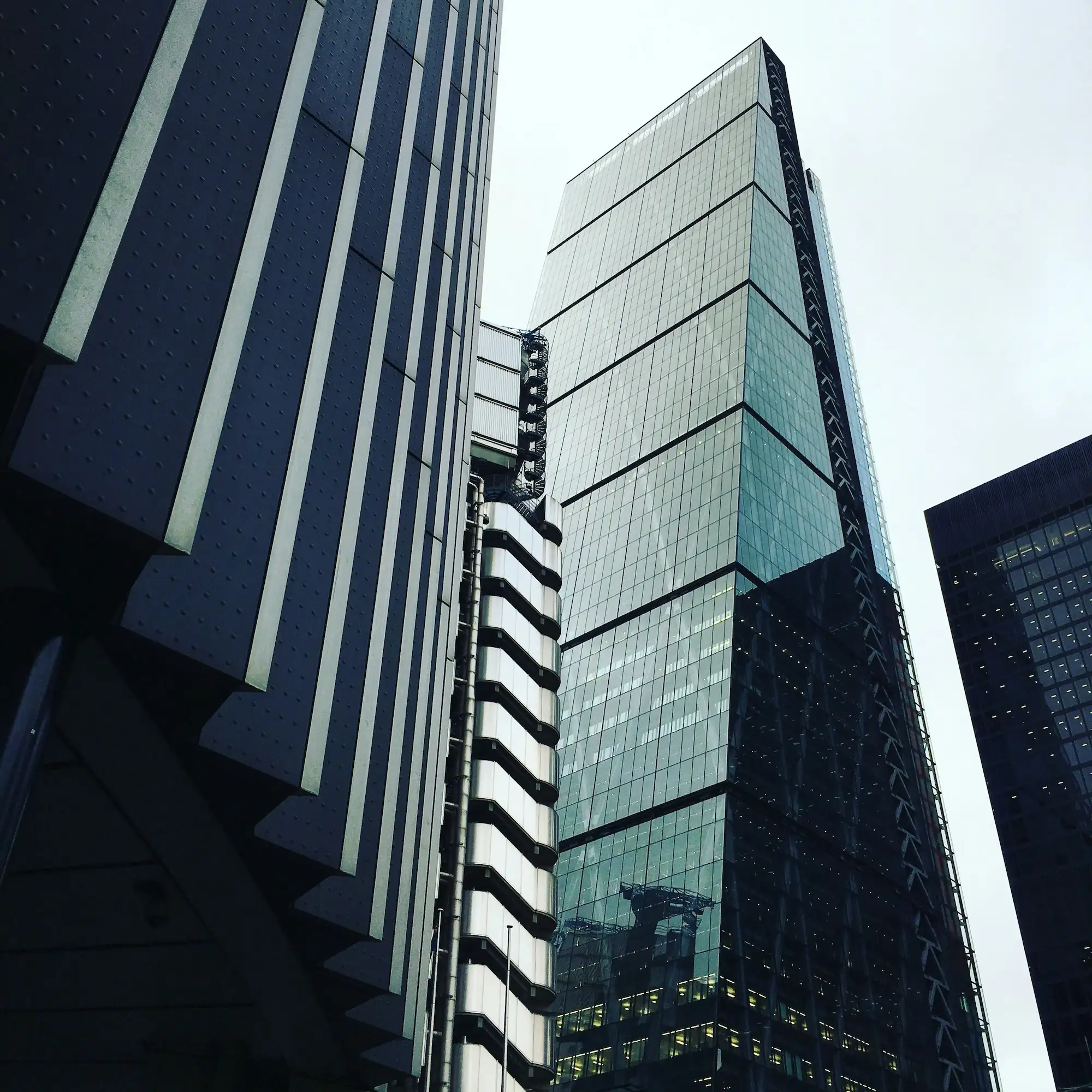
Split hero — sidebar nav, headline, and case study
Three-column layout: a sticky page-contents sidebar on the left, a centred headline with two CTAs in the middle, and a case study teaser with body copy on the right. Use on long solution or product pages where in-page navigation adds value. Swap headline, both CTA labels, sidebar link labels, and the case study slug.
Split hero — tag, headline, and image
Tag label and a two-line headline on the left, large product image on the right. Use for feature pages or product announcements where a visual is immediately available. Swap tag, both headline lines, both CTA labels, and the image.
Stacked hero — tag, headline, and image below
Tag label and headline centred above, product image filling the width below. Use when the image is wide or when you want maximum visual impact below the fold. Swap tag, both headline lines, both CTA labels, and the image.

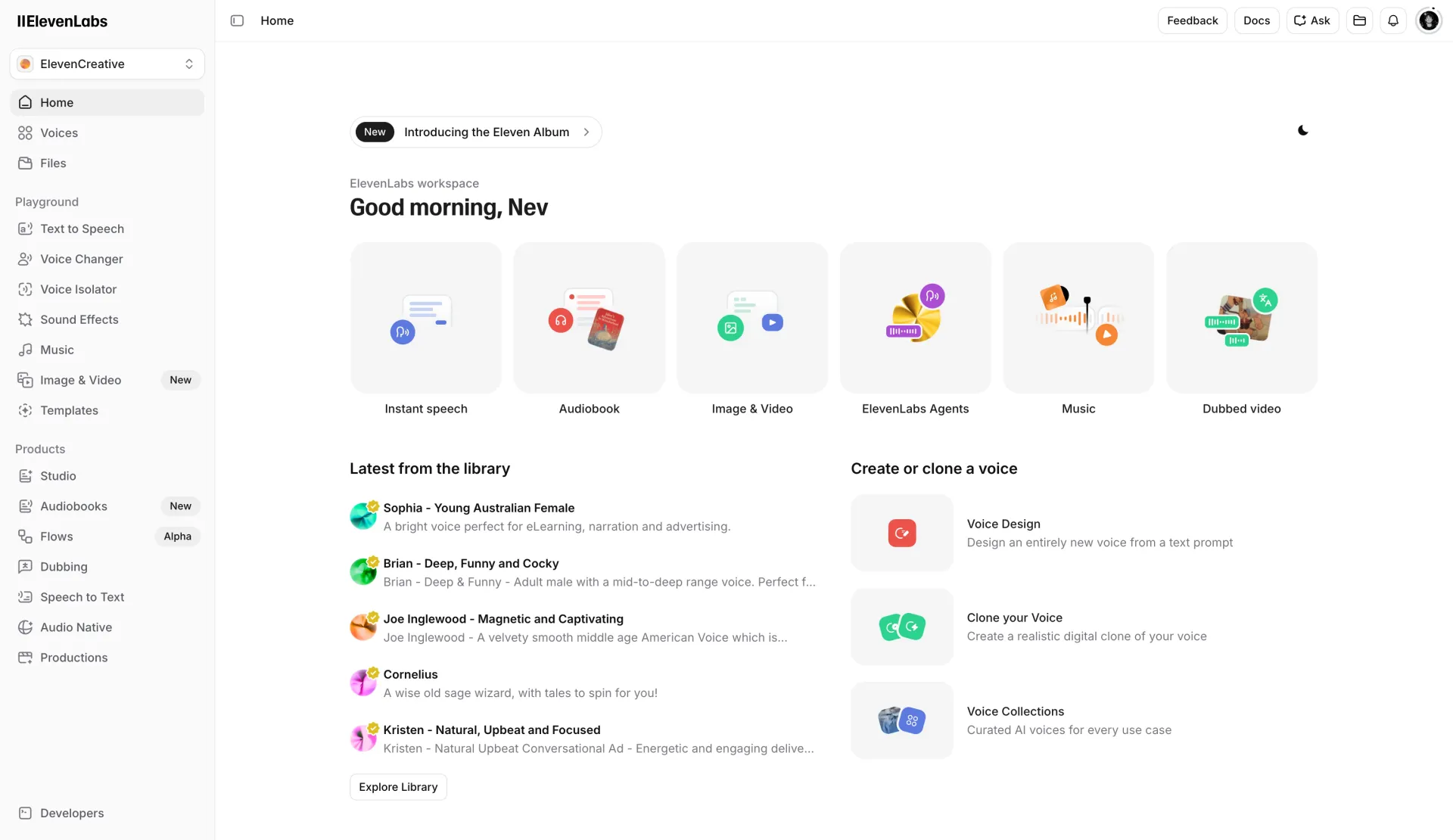
Centred hero — tag, headline, and image below
Tag pill, large centred headline, and subheadline stacked at the top, with a wide product image below. Use when the headline needs maximum prominence and the image is secondary. Swap tag, headline, subheadline, both CTA labels, and the image.
Centred hero — tag, headline, and email sign-up
Tag pill, centred headline, and subheadline at the top, with an inline email capture form and three checkmark bullet points below. Use as the primary hero for webinar, waitlist, or gated landing pages where sign-up is the whole point of the page. Swap tag, headline, subheadline, and all three bullet lines.
Logo strip — scrolling ticker
A single continuous row of logo cards that scrolls on a loop. Use directly below the hero or above a feature section to establish credibility. Logo content is managed in the CMS — don't edit the ticker layout.
Logo strip — static grid
Logos arranged in a static grid layout. Use when you want logos to stay still and load-bearing, rather than animated. Logo content is managed in the CMS.
Testimonials grid
Section heading above a 3×2 grid of testimonial cards, each linked to a case study. Content is CMS-driven — testimonials are managed in the Cases collection. Don't edit the grid layout or card structure.
Content lists
3
Blog list — medium grid
Section heading on the left with an 'Explore blog' link on the right, followed by a 3×2 grid of blog post teasers. Content is CMS-driven — posts populate automatically from the Blog collection. Swap the section heading and link label only.
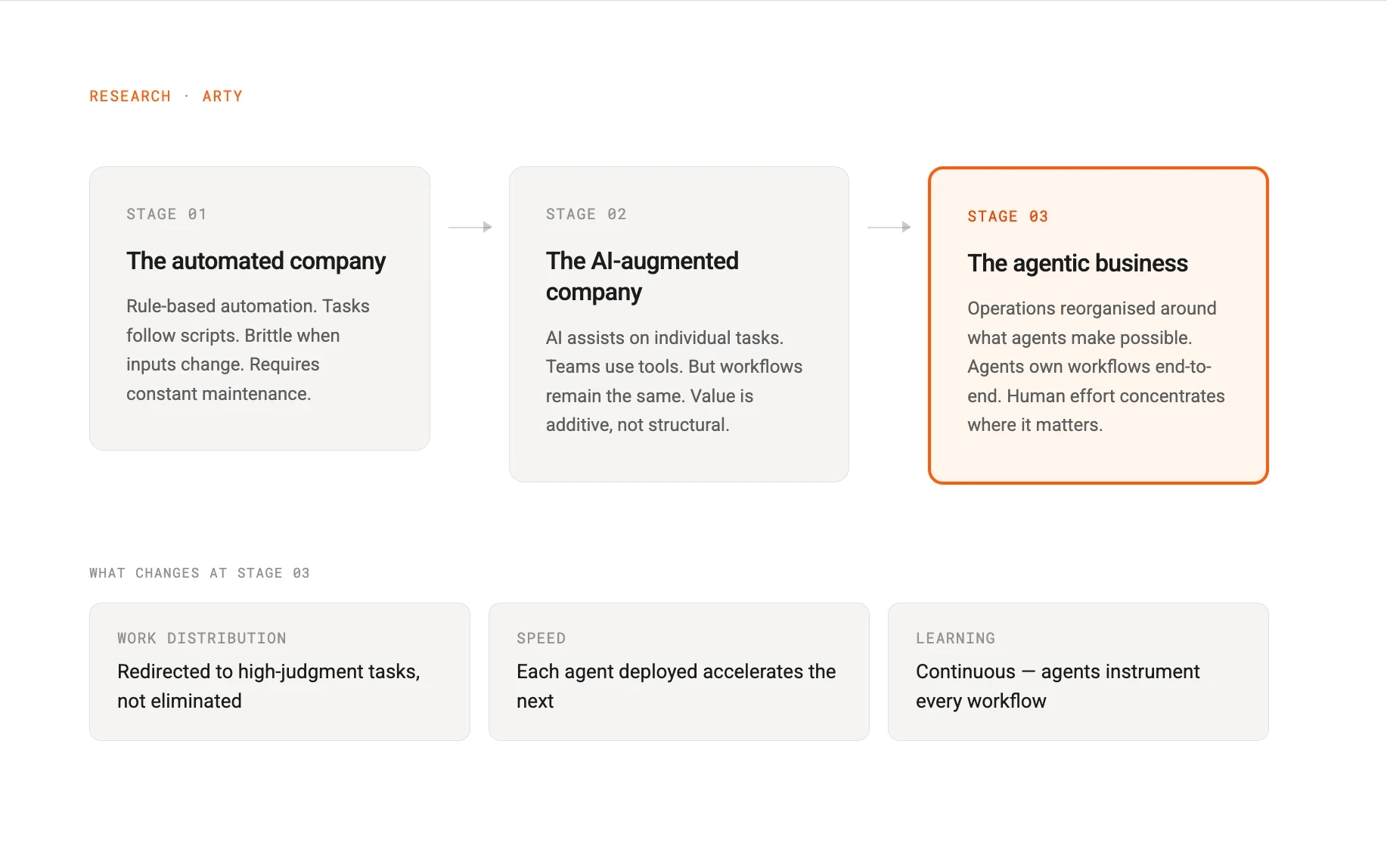




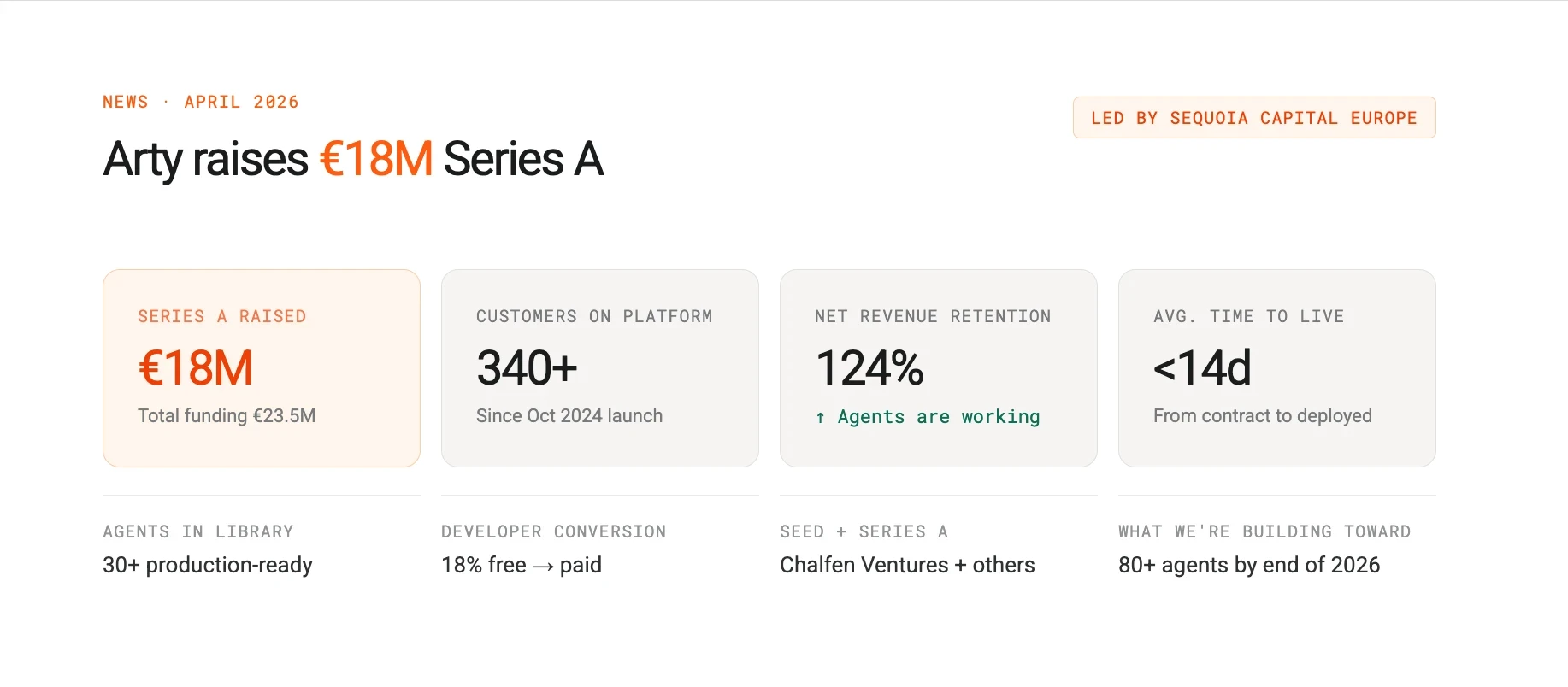
Cases list — featured + stack
Section heading on the left with an 'Explore cases' link on the right, followed by a split layout: one large featured case card on the left, a column of smaller case cards on the right. Content is CMS-driven — cases populate from the Cases collection. Swap the section heading and link label only.


Integrations list — medium grid
Section heading above a grid of integration cards, each showing a logo, name, and category. Content is CMS-driven — integrations populate from the Integrations collection. Swap the section heading only; don't edit the grid or card structure.
FAQ
2
FAQ — side by side
Section heading on the left, accordion of questions on the right in a tinted card. Use on pricing and product pages where the FAQ sits alongside other content. Swap the section heading and all question and answer copy inside each FAQ item.
FAQ — stacked
Section heading above, accordion below, both constrained to a centred column. Use on landing pages where the FAQ is the main focus. Swap the section heading and all question and answer copy inside each FAQ item.
Feature sections
7
Feature row — copy left, image right
Tag, heading, and body copy on the left inside a tinted card, product image filling the right half. Use for feature deep-dives where you have a screenshot or visual ready. Swap tag, heading, body, CTA label, and the image.
Feature row — image left, copy right
Same layout as above with the image and copy columns swapped. Alternate these two variants down a feature page to create visual rhythm. Swap the same fields as the copy-left variant.
Feature card — compact with image
Compact card with a tag, heading, body copy, a link-style CTA, and an image below. Used inside bento grids and the three-card row. Swap tag, heading, body, CTA label, and the image.
Feature row — three audience cards with loading bar
Three equal-width cards side by side, each with a heading and body, above a shared animated loading bar. Use to present three parallel audience paths or value propositions in a single row. Swap all three card headings and body copy.
Intro text — large pull quote with byline
A single large-format text block with a text input and a button below. Use at the top of about, case study, or editorial pages to set tone before the main content. Swap the quote text, button variant and button text.
We didn't set out to build another automation tool. We built the operating layer for the agentic business.
Intro text — medium pull quote with byline
A single narrow-format text block with a text input and a button below. Use at the top of about, case study, or editorial pages to set tone before the main content. Swap the quote text, button variant and button text.
We didn't set out to build another automation tool. We built the operating layer for the agentic business.
Feature row — copy above, image below
Tag, heading, body copy, and a text link stacked vertically on the left, with a wide image spanning full width below. Use in narrower contexts or when the image needs more vertical space. Swap tag, heading, body, link label, and the image.
Bento grid
Section heading and subheading above a grid of feature cards. The top two rows use image cards, the bottom row uses icon cards. Use to showcase a platform's full capability set at a glance. Swap heading, subheading, and all card content. Don't change the grid structure.
Cards & grids
3
Three product cards
Section heading above three equal-width feature cards side by side. Each card has a tag, heading, body, and a CTA. Use for product paths, use cases, or audience segments. Swap section heading and all three card titles, bodies, and CTAs.
Icon cards grid — six cards
Section heading and subheading above a 3×2 grid of icon cards. Each card has an icon, title, body, and a text link. Use when presenting a fixed set of parallel capabilities. Swap section heading, subheading, and all six card titles, bodies, and links.
Icon text card — standalone
Single card with an icon block, title, body, and a text link. Used as a building block inside icon grids and bento layouts. Swap icon (in Framer), title, body, and link label.
CTA sections
2
CTA — centred with two buttons
Large centred headline and subheading on a tinted background card, with a primary and secondary button below. Use at the bottom of feature and solution pages. Swap headline, subheading, and both button labels and destinations.
CTA — centred with one button
Same centred layout as above but with only a secondary button. Use mid-page or when a single action is clearly dominant. Swap headline, subheading, and button label and destination.
Form sections
4
Two-column form — compact
Heading and subheading on the left, a standard form on the right. Use for inline lead capture or gated content. Swap heading and subheading.
Two-column form — with bullets and logo strip
Large heading and subheading on the left with three supporting bullet points and a logo strip below, standard form on the right. Use on book-a-demo pages where you need to justify the conversion ask. Swap heading, subheading, all three bullet lines, and the logo content in the CMS.
Full-screen split form — logo, form, and trust panel
Full-viewport two-panel layout. Left panel: logo, large headline, subheading, and a short email form. Right panel: tinted background with a trust heading, three bullet points, and a logo strip. Use as a standalone book-a-demo or sign-up page, not as an inline section. Swap headline, subheading, all bullet lines, and the trust heading.
Newsletter banner
Single tinted card with heading and subheading on the left and an email input with submit button on the right. Use in footers, between blog posts, or at the bottom of content pages. Swap heading and subheading.
Pricing
2
Pricing cards — three tiers
Three side-by-side pricing cards, one of which is highlighted as the featured tier. Each card shows a plan name, price, description, feature list, and a CTA. Use on the pricing page. Swap plan names, prices, descriptions, feature lists, and CTA labels for each tier.
Pricing matrix — feature comparison table
Full feature comparison table with plans across the top and feature rows below, grouped by category. Use below the pricing cards to give buyers a detailed side-by-side breakdown. Don't change the table structure — swap feature labels and tick/cross values only.
Social proof
3