Give your data analysis agents direct access to Mixpanel events and funnels
Overview
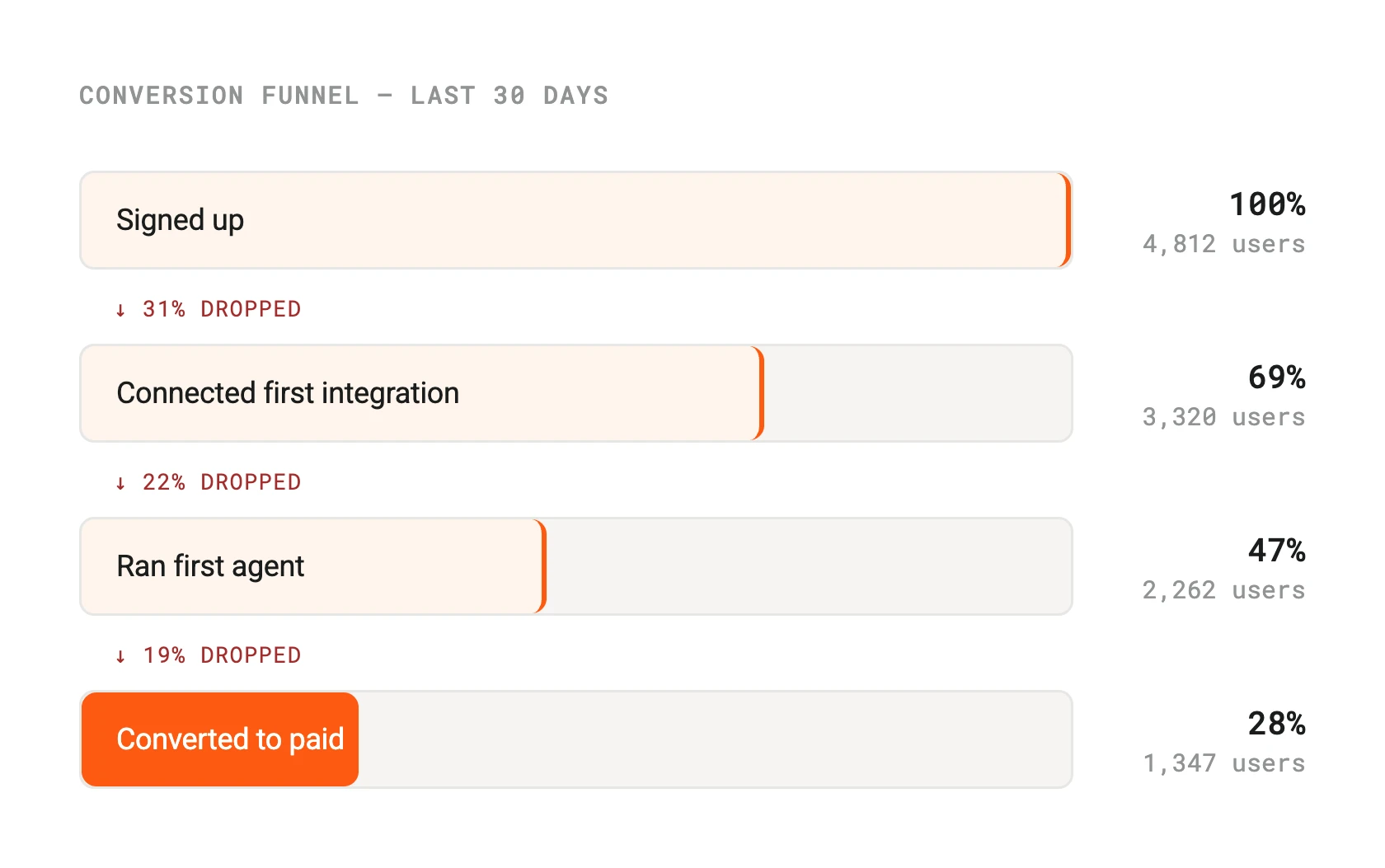
Connect Trackflow to Arty and let your Data Analysis agents surface insights from product usage data without anyone writing a query. Agents can pull event counts, funnel conversion rates, and retention cohorts, then summarise findings in plain language and deliver them on a schedule or on demand.
This is particularly useful for product and growth teams who need weekly metrics digests, experiment readouts, or churn signals surfaced automatically — without pulling an analyst into every request.
How it works
Arty connects to Trackflow via the Trackflow Query API and JQL interface. When an agent run requires product data, Arty constructs the appropriate API call, retrieves the result, and passes it to the agent's reasoning layer for interpretation.
Agents can be scheduled to run at a set cadence (daily, weekly) or triggered by other agents or webhook events. Results are delivered to your configured output — Pulse, email, or a CMS field — depending on your workflow setup.
Configure
Add the Trackflow integration from Arty Studio under Integrations > Analytics. Provide your Trackflow project token and service account credentials. You can then reference specific events, properties, and date ranges when configuring agent tasks.
Access is read-only by default. Arty does not write events to Trackflow. If you have multiple Trackflow projects, you can connect each separately and assign them to different agents or workspaces.
Trackflow
By
Trackflow
Website
trackflow.io
Docs
developer.trackflow.io/docs