Trigger Arty agents from any Zapier-connected app, or send agent outputs into any workflow
Overview
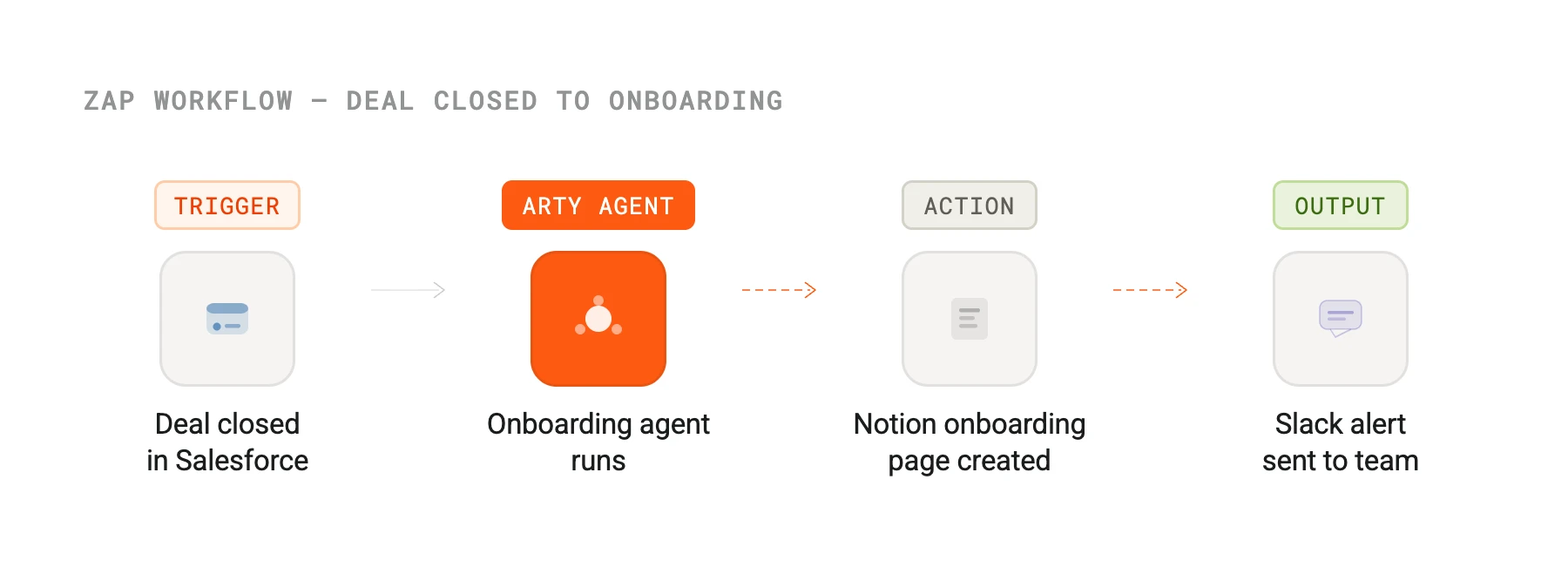
The Chainr integration turns Arty into a node in your broader automation stack. Use Arty agents as action steps triggered by events in thousands of apps — a new row in a spreadsheet triggers a lead enrichment agent, a form submission triggers an onboarding sequence, a closed deal in your CRM triggers a customer success handoff.
You can also run it in reverse: use an Arty agent run as the trigger that kicks off downstream Chainr actions, pushing summaries to a docs tool, updating a spreadsheet, or firing a webhook to your internal tooling.
How it works
Arty exposes a Chainr-compatible REST API with trigger and action endpoints. Trigger events are emitted as webhooks when an agent run reaches a terminal state. Action endpoints accept structured input payloads and return the agent's output synchronously for short-running tasks, or a job ID for async tasks.
Long-running agents use a polling pattern supported natively by Chainr's async action framework. Arty's Chainr app handles the polling loop so your workflow simply waits for the result without any custom code.
Configure
Find the Arty app in the Chainr app directory and authenticate with your Arty API key. You can then use Arty as either a trigger or an action step in any Chainr workflow.
For trigger workflows, select which agent events should fire (run completed, escalation raised, output published). For action workflows, select which agent to invoke and map the input fields from the upstream trigger. No code required on either side.
Chainr
By
Chainr
Website
chainr.io
Docs
chainr.io/developer-platform