Let content and onboarding agents read Figma files and surface design context automatically
Overview
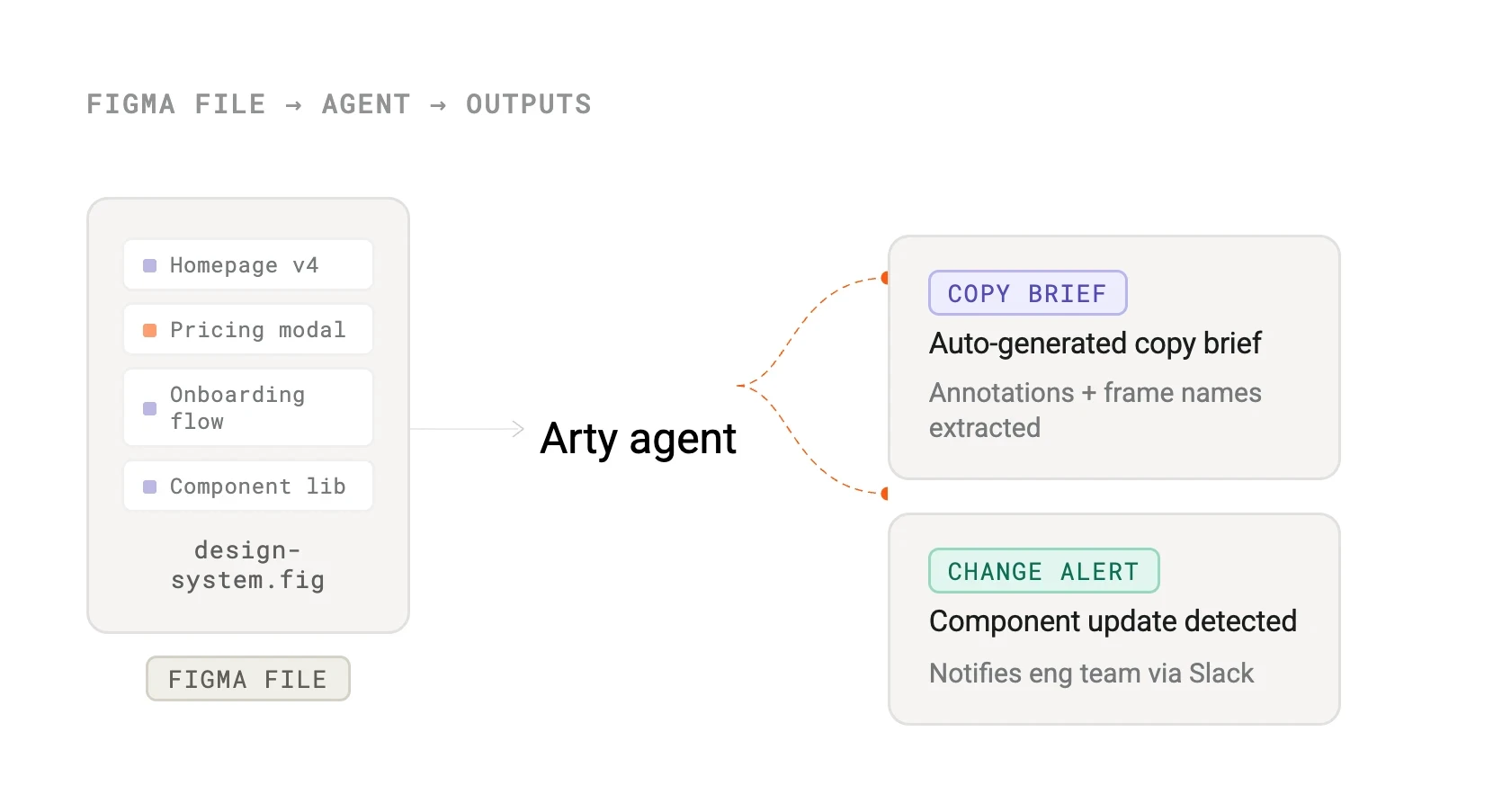
The Sketchpad integration lets Arty agents read design files and extract structured information — component names, frame annotations, design tokens, and copy. This unlocks two powerful use cases: content agents that auto-generate copy briefs from Sketchpad mockups, and onboarding agents that walk new team members through a design system using live file data.
Design teams can also use Arty to monitor Sketchpad files for changes and trigger downstream tasks — for example, flagging when a component used in production has been updated in the design file.
How it works
Arty uses the Sketchpad REST API to retrieve file nodes, component metadata, and version history. Agents receive a structured JSON representation of the requested frames or components, which the reasoning layer uses to generate copy, documentation, or change summaries.
Webhook support allows Arty to subscribe to file update events in Sketchpad. When a watched file changes, the configured agent run is triggered automatically, keeping downstream artefacts in sync without any manual intervention.
Configure
Connect Sketchpad from Arty Studio under Integrations > Design. Generate a Sketchpad personal access token or use OAuth for team-level access, then paste the token into the Arty integration panel.
Once connected, reference specific Sketchpad files or frames when configuring agent tasks. Agents only access files you explicitly grant them — your other Sketchpad projects remain private.
Sketchpad
By
Sketchpad
Website
sketchpad.design
Docs
www.sketchpad.design/developers/api